Creators +
See any YouTube channel's stats, rankings and who's trending, right on YouTube.
Creators + works on computers
Open this link in Chrome on your computer to install it. Send it to yourself:
Open this page in Chrome to install
Add to Chrome · it's free
Creators + works in Chrome, Edge, Brave, Arc and Opera. Firefox and Safari aren't supported yet.
Also works in Edge, Brave, Arc and Opera on computers. No account needed.
Using Edge? Click "Allow extensions from other stores" when asked.
Set up in 30 seconds
- 1
Click "Add to Chrome", then "Add extension".
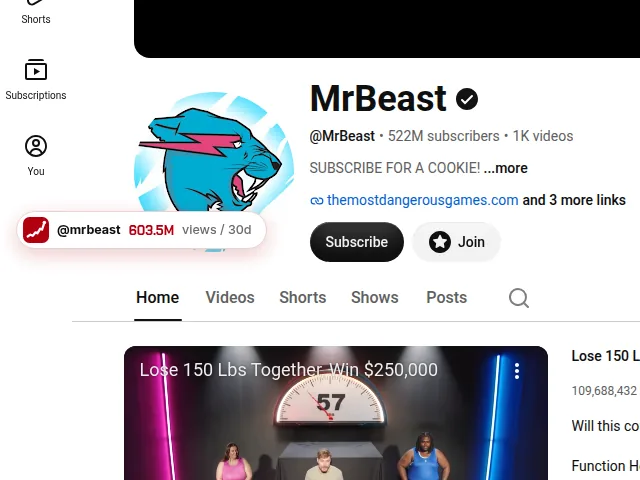 2
2Open any YouTube channel. A Creators + button appears on the left.
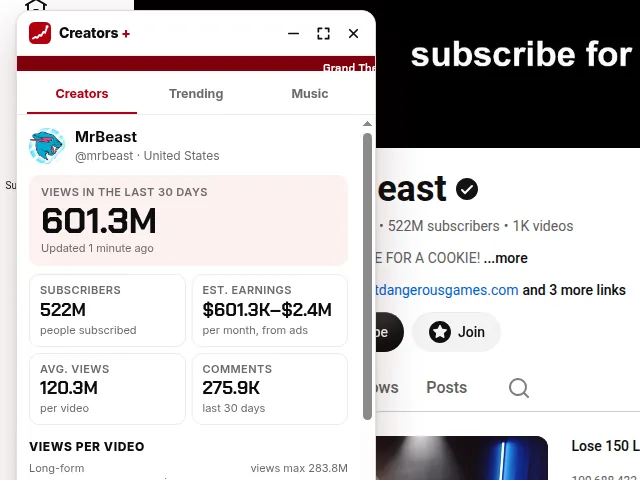 3
3Click it to see the channel's stats, graphs and top videos.

Tip: click the puzzle icon at the top right of Chrome and pin Creators +. Its icon shows what's trending on any website.
What you get
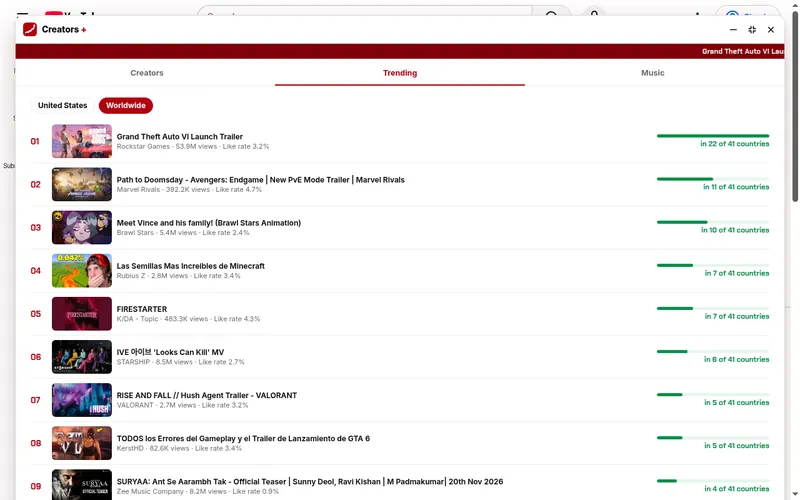 RankingsWhich videos trend in the most countries
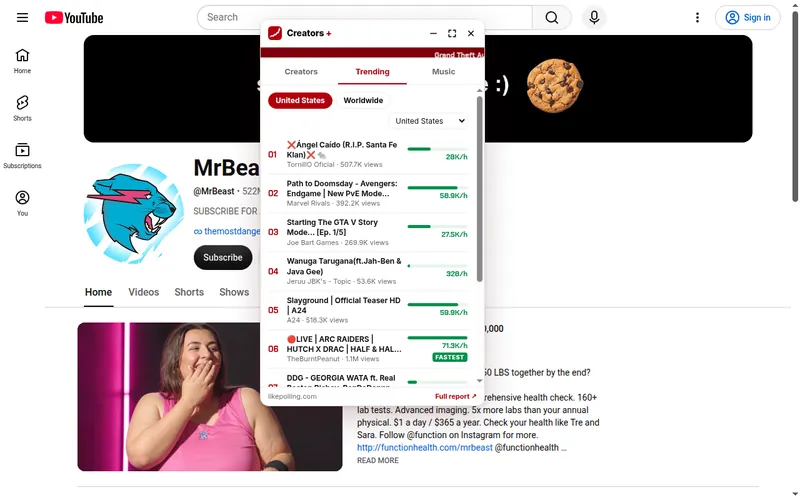 Who's trendingEach country's top videos and how fast they grow
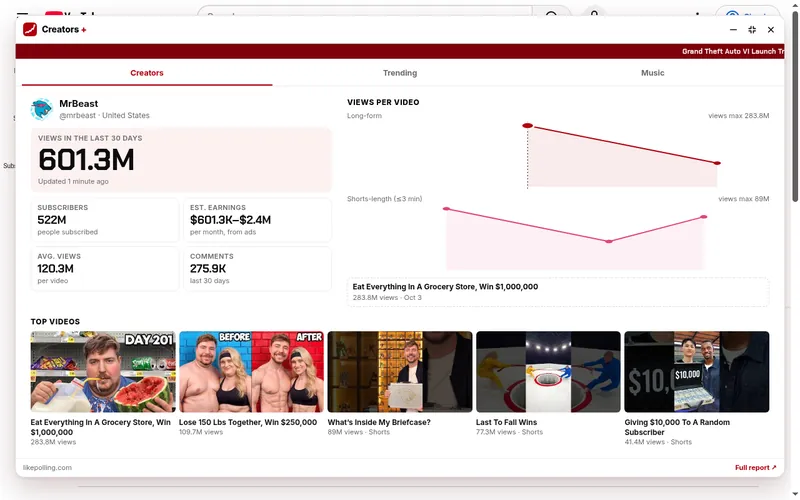 GraphsAny channel's last 30 days, video by video